



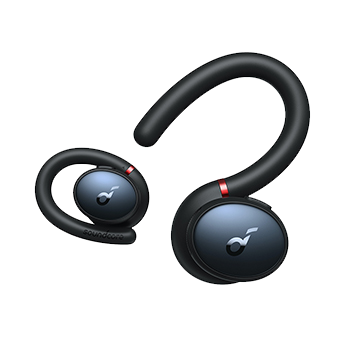
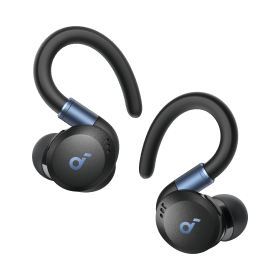


Life Q30 (Refurbished)

Color

-
The product works and looks new.
- This pre-owned product has been professionally inspected, tested, and cleaned.
- There will be no visible cosmetic imperfections when held at an arm’s length.
- Products with batteries will exceed 80% capacity relative to new.
- Accessories may not be original but will be compatible and fully functional. The product may come in a generic box.
- This renewed product comes with a 3-month warranty.
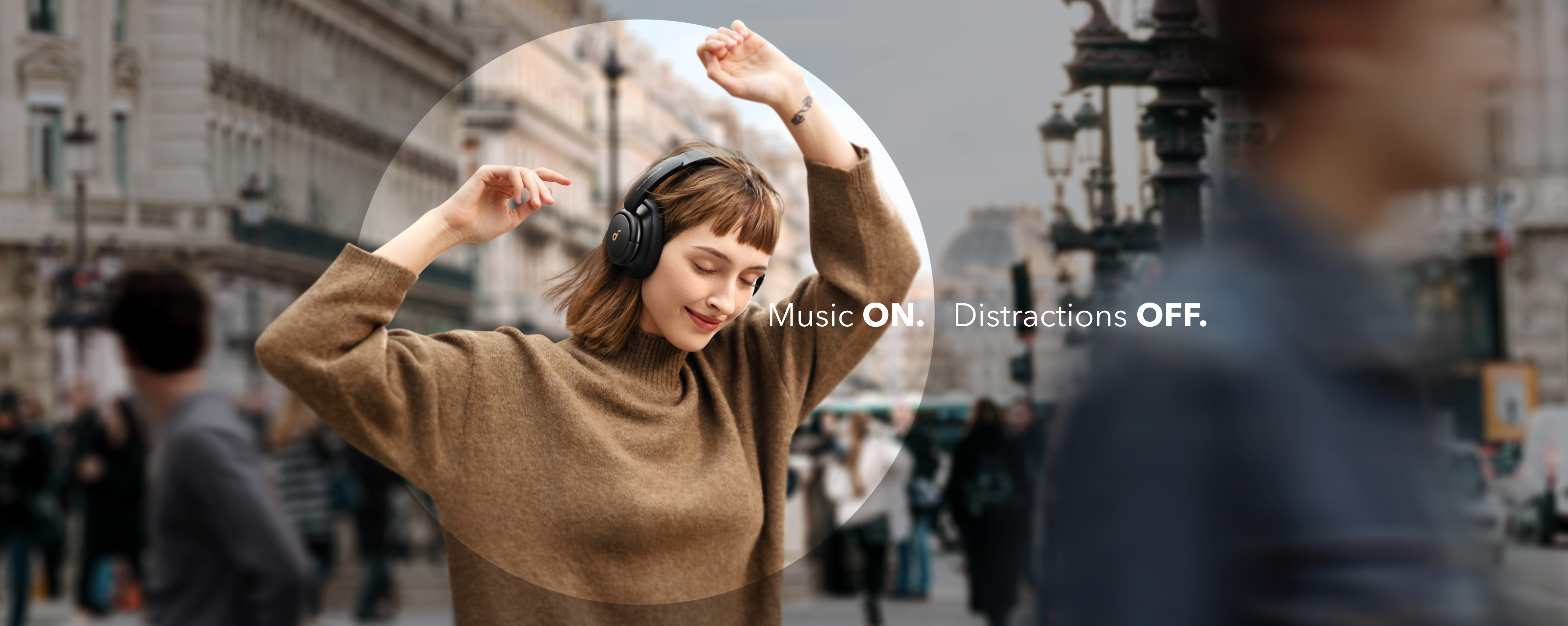
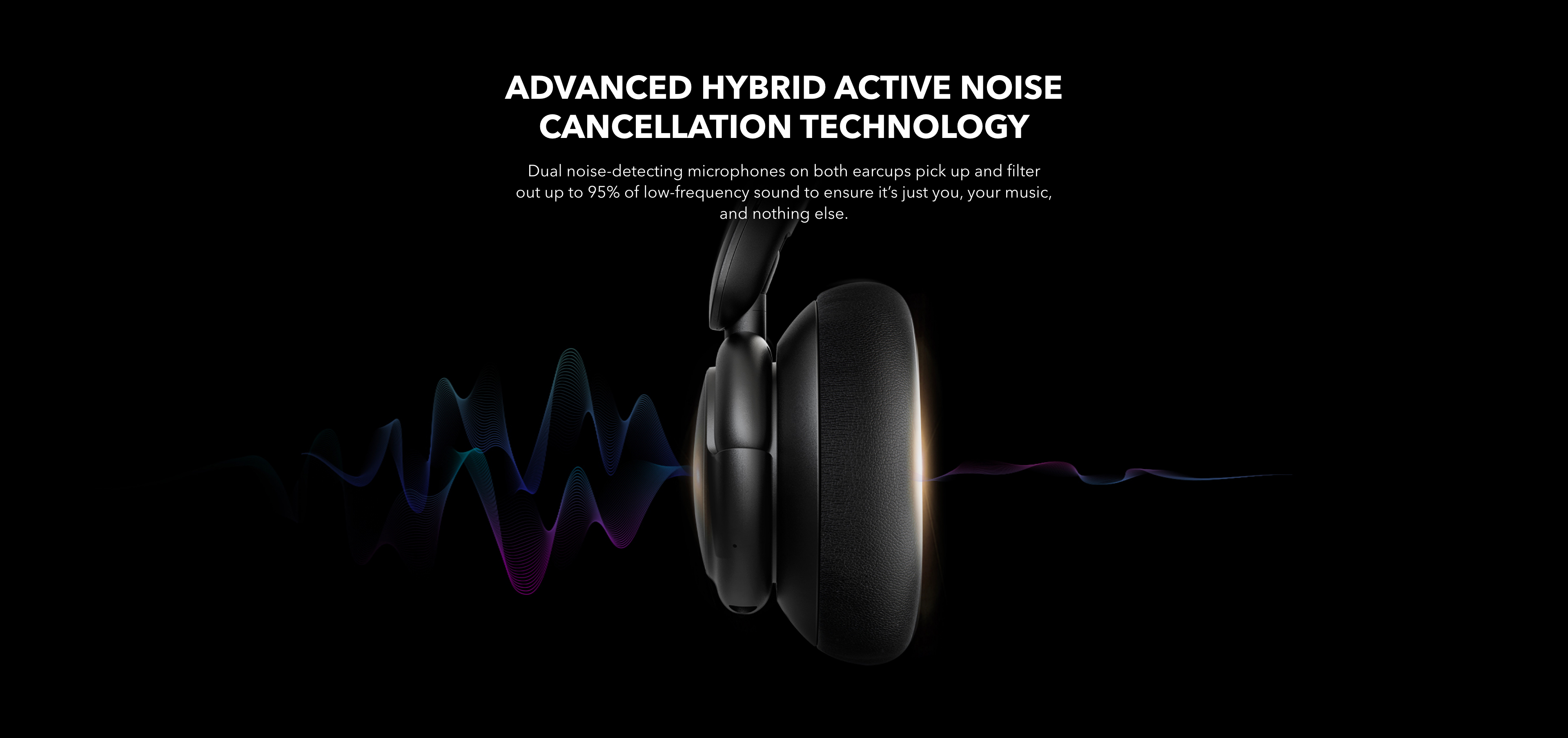
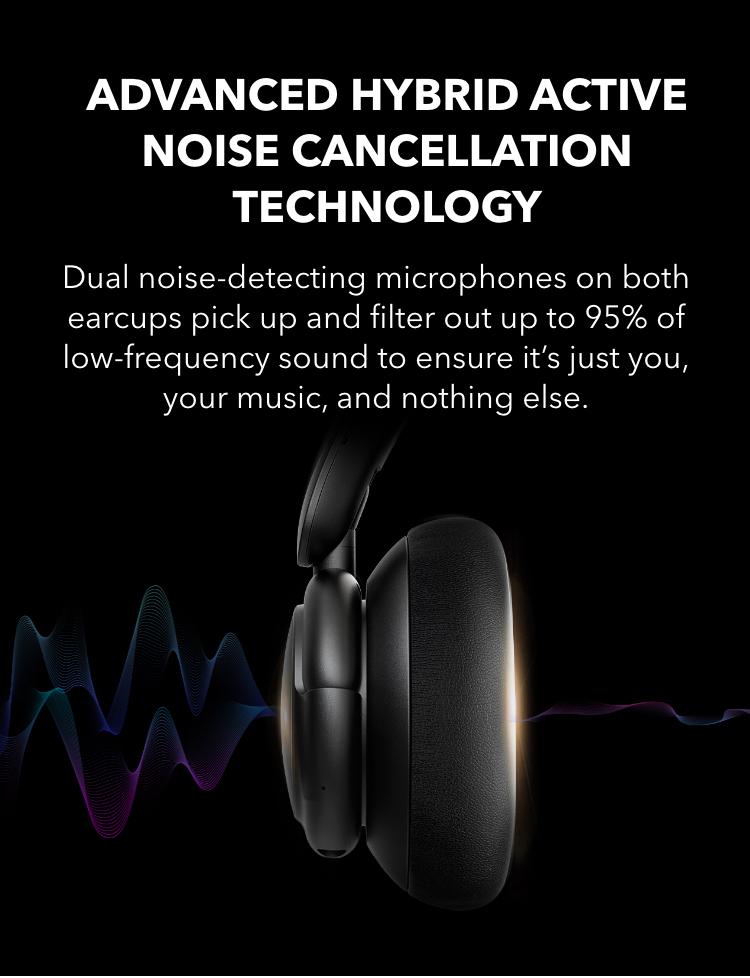
- Upgraded Noise Cancellation with Multiple Modes
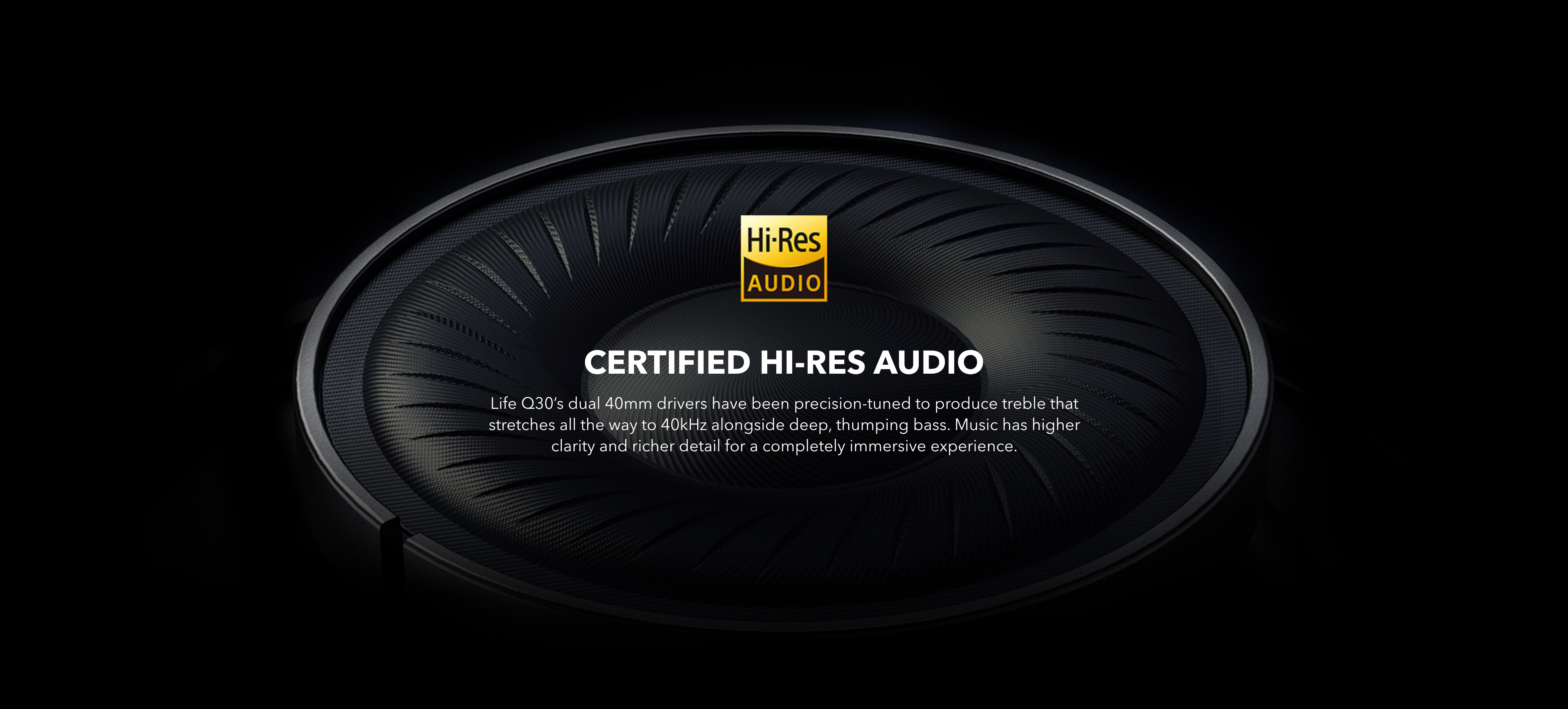
- Hi-Res Certified Audio with Remarkable Clarity and Detail
- Clear Calls via Built-In Microphones
- Extended 40-Hour Playtime
- 5-Minute Charge = 4-Hour Playtime
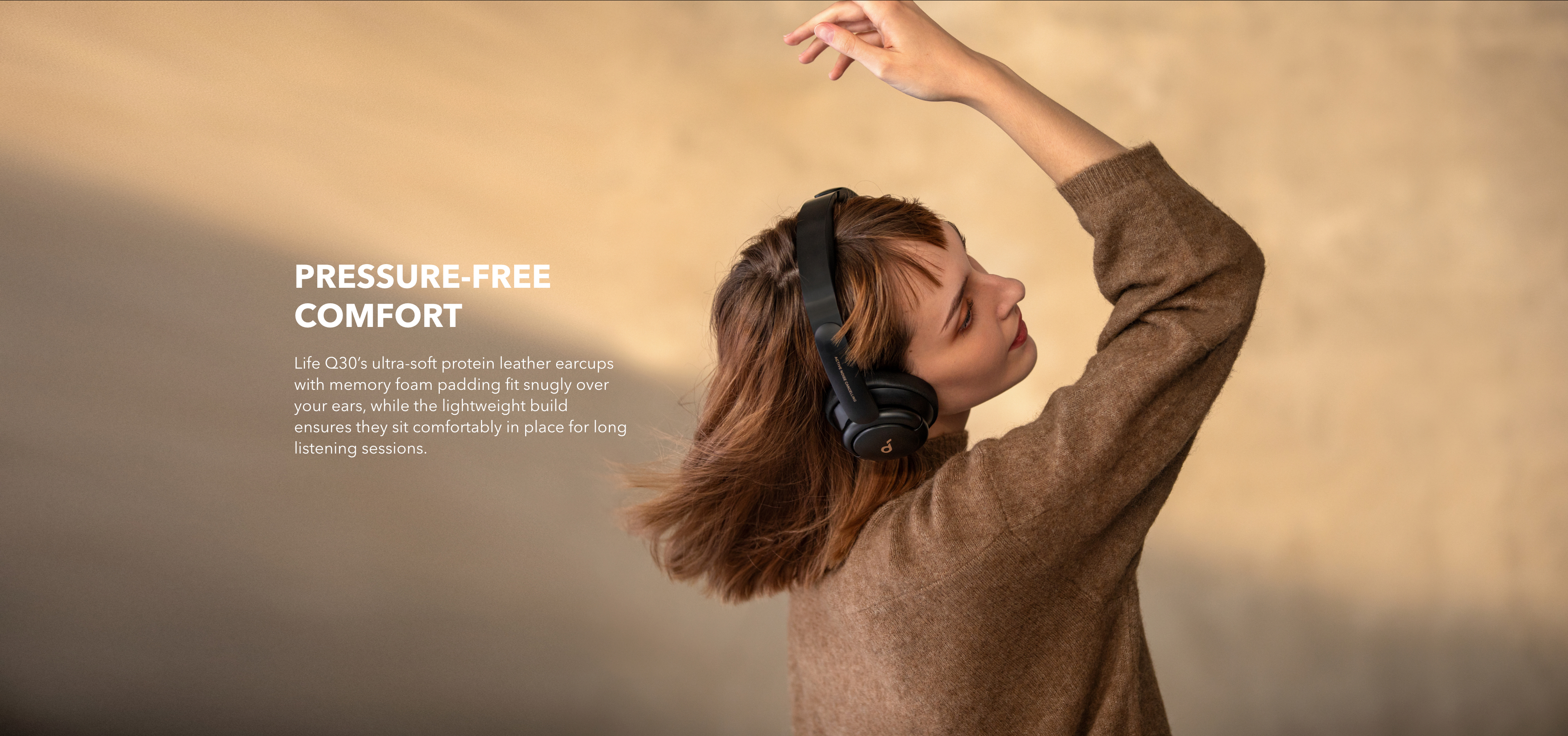
- Lighter Build and More Comfortable Fit
- Customizable EQ with soundcore App
- Transparency Mode
Standard Shipping
Place your order now for estimated delivery within 3-7 business days.
Free
Next-Day Shipping
Place your order now for estimated delivery within 1-2 business days.
$9.99
Express Shipping
Place your order now for estimated delivery within 1-3 business days.
$6.99
- 1.While most orders are delivered within the estimated timeframe, certain factors may affect the delivery date.
- 2.Some items may be subject to shipping restrictions.
Next-Day Shipping Rates
Orders under 12 lb: $9.99
Orders over 12 lb: $14.99
Express Shipping Rates
Orders under 12 lb: $6.99
Orders over 12 lb: $9.99
Services and benefits
Payment Method
Delivery Method







FAQ
Can I use Life Q30 while they're charging?
How long does it take to fully charge Life Q30?
What is Life Q30's playtime with a full charge?
- Playtime with ANC On: 40 hours at 60% volume.
- A 5-minute charge gives you 4 hours of listening.
What should I do if Life Q30 does not take a charge?
What Bluetooth codecs does Life Q30 support?
How do I reset Life Q30?
- You will see a pink light flash twice, and then a blue light will flash quickly to show Life Q30 has entered into pairing mode.
What should I do if Life Q30 does not pair with my device?
2. Reset Life Q30 by long pressing the power button and volume + button for 5 seconds.
3. Try to pair Life Q30 with another device.
How do I connect Life Q30 to another device?
- Turn off Bluetooth on the device you were connected to so that Life Q30 enters pairing mode. Then connect to the second device via Bluetooth.
- If you prefer not to turn off Bluetooth on the first device, double press the power button to make Life Q30 re-enter pairing mode, and find Life Q30 in the second device's list of available Bluetooth devices.
Does Life Q30 support multi-point connection?
What should I do if Life Q30 disconnects while in use?
- Reset your Bluetooth connection by turning off your device's Bluetooth for at least 10 seconds, then turn back on.
- Reset Life Q30 by long pressing the power button and volume + button for 5 seconds.
- Try to connect to another device to see if there is any difference.
What should I do if there is sound only playing from one side?
- Try to connect to another device to see if there is any difference.
What should I do if the microphone doesn't work well?
- ""Forget"" Life Q30 in your device's Bluetooth history and reset the headphones by long pressing the power button and volume + button for 5 seconds, then pair again to test.
- Try connecting Life Q30 with another Bluetooth device to see if the problem persists.
Can I use Life Q30 for calls in AUX mode?
Does Life Q30 support the soundcore app?
- In the soundcore app, you can select a noise cancellation mode, choose from 22 EQ presets or customize your own, and tailor your own white noise soundscape for when you need to rest.
How do I activate noise cancellation mode?
- Press the ANC button to switch between the modes.
How do I activate Transparency mode?
Or
- Short press the NC button to switch between modes.
Note: Life Q30 will not automatically enter Transparency mode after turning on.
How do I use NFC?
If there is already one device connected:
- Tap another Android phone on the right earcup to connect via NFC.
If there are two devices connected:
- Tap another Android phone on the right earcup.
- Life Q30 will disconnect from the first connected device and connect to this Android phone via NFC.
- If the device connected has NFC, you can tap it on the right earcup again to disconnect.
Note:
NFC does not work in AUX mode.
What should I do if NFC fast pairing does not work?
2. The NFC chip's position is located around the soundcore logo on the right earcup so ensure you're tapping the phone on that area.
3. Upgrade the firmware of both your device and Life Q30 to make sure you're using the latest version.
4. When Life Q30 turns on, make sure there is a flashing blue light which turns off after you pair your phone via NFC.
How do I activice voice assistants like Siri?
How should I look after Life Q30?
2. Charge the earbuds after you use them. In order to improve the battery’s lifespan, do not always wait until there's 20% or less power remaining to charge them.
3. If Life Q30 comes into contact with liquid, use a hairdryer on the 'cool' setting to dry them.
4. Clean the headband and ear cushions with a cotton cloth.
5. Avoid irreversible damage to the headset caused by excessive external forces.
How To Use soundcore Life Q30? (EN)
How to Pair Life Q30 for the First Time? (EN)
How to Clean Life Q30's Earcups? (EN)
How to Turn On Noise Cancellation and Transparency Modes Using Life Q30? (EN)
How to Connect Life Q30 with 2 Devices at the Same Time? (EN)
How to Reset Life Q30 to Solve Connectivity Problems or Function Issues? (EN)
How to Adjust Noise Cancellation and Transparency On Life Q30 via soundcore App? (EN)
How to Control Music, Phone Calls, and Voice Assistants via Life Q30? (EN)
How do I safely dispose of the battery in the headphones or charging case?
Can I use Life Q30 while they're charging?
How long does it take to fully charge Life Q30?
What is Life Q30's playtime with a full charge?
- Playtime with ANC On: 40 hours at 60% volume.
- A 5-minute charge gives you 4 hours of listening.
What should I do if Life Q30 does not take a charge?
Customer Reviews
Bought these to use on business travel, but find myself using them other times too. They are fantastic headphones, sound great (especially if you use the phone app EQ to tailor it), are comfortable and have good battery life. Feel like they should be much more expensive than they are. I haven't owned many other noise cancelling headphones, but these do a great job of NC on commercial flights. I with they were more compact, however, or folded more compactly.
Cumplen con lo que prometen. Precio asequible y seguro que parecido a artículos de más de 250 dolares
I got the "renewed" version, which isn't a big deal to me, and it worked out great! I love that there are 3 different settings: normal, noise-cancelling, and transparency, which allows me to hear everything around me while I'm listening to whatever is on my computer or phone. It's lightweight and comfortable even for someone like me who's got big ears and pretty big head as well. The only thing I'd say that may be a con is that it isn't great to wear for strength training workout sessions... especially if you're on the floor on your back; I just learned that I'll need a different headset for my training, but it's not a deal-breaker, really.
Starting off, these just put me on the edge of my seat when I was unboxing, it felt like I found treasure. I opened it up, gave it a little listen, and all I can say is WOW. Not wow, WOW. I listened to just a couple songs, and the bass was packing a lot! I installed the app and I used R&B in the eq since it gave a little more high end and it was to my personal liking. I’ve listened to these everyday for at least half an hour and they’re still running! Overall, this feels exactly like the regular q30’s but just cheaper! The mic is okay, I mean it’s Bluetooth, and it doesn’t stay that well on my head all the time, but they sure are comfortable! These would satisfy many budget listeners like me.
I bought these mostly on a whim. I'm happy with them:
" Noise cancellation is pretty good, about 10dB, maybe a little more
* Noise cancellation doesn't create "stuffy head" feeling, just seems like good headphones
* Very comfortable, easy on the ears
* Tap to connect is great
* Default EQ is boomy and lacks punch. I recommend you get the app and reduce bass by 2-3dB; increase treble by the same amount. With this tweak they'll sound a lot better. See photo of my settings in this review.
* They won't get particularly loud, but that's not necessarily bad for extended listening.
All in all, a great value and very decent all around.


